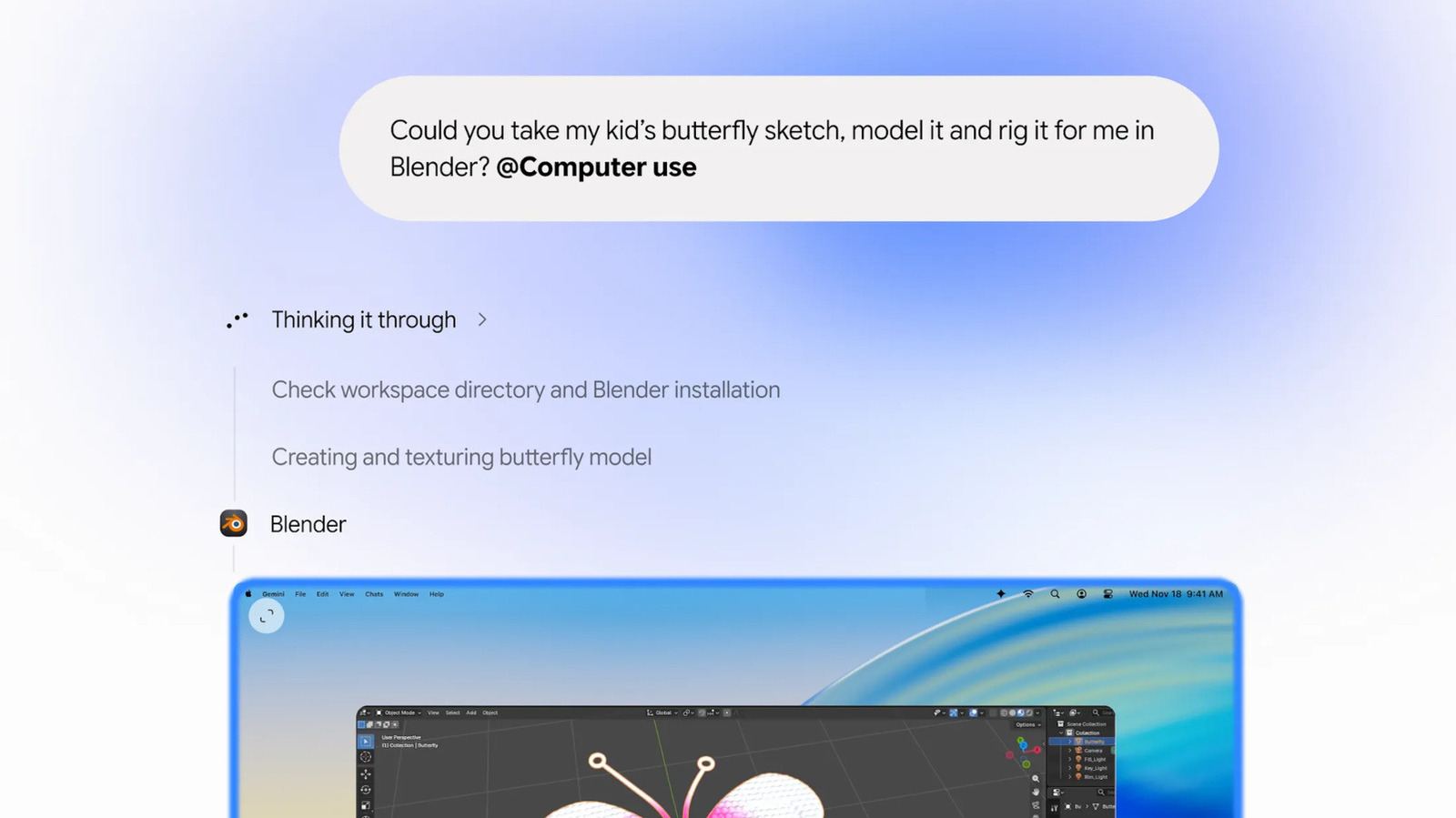
The new Gemini app for Mac simplifies multi-step tasks with smart automation to help users work faster. This fresh release brings powerful automation features right to your desktop screen. You can now clear out complex steps in your daily work without jumping through extra hoops.
What is the new Gemini app for Mac?
The Gemini app for Mac is a fresh tool built to handle long and tricky computer jobs. Small Business Trends reported that this software focuses on multi-step actions that usually take up a lot of your time. Instead of clicking around and doing every step by hand, the app uses intelligent systems to manage the flow for you.
This software brings advanced helpers directly into the Apple desktop setup. People who run small shops or handle busy office schedules can use it to speed up their daily routines. It turns hard computer chores into simple actions that get done with much less effort.
How does smart automation simplify multi-step tasks?
Smart system tools can look at a big job and break it down into tiny pieces instantly. They run through the needed steps one after the other so you do not have to do them yourself. Here are a few key points about how this software changes your daily computer work:
- Fewer manual clicks: The system takes care of repetitive actions across your desktop.
- Faster results: Multi-step jobs get finished in a fraction of the usual time.
- Easier task management: Complex routines become simple commands you can run anytime.
By taking over these heavy duties, the program keeps you from getting stuck on routine steps. You can start a big project and let the system finish the extra steps in the background while you focus on other work.
Why do Mac users need AI tools for daily work?
People use their computers for many heavy tasks every single day. Setting up schedules, sorting out files, and managing big projects can slow anyone down. Having a smart helper on your Mac saves your energy for the work that really needs your human touch.
As software gets better, everyday workers expect their computer tools to do more than just display files. They want programs that can think ahead and clear out hard steps. This new app gives Mac owners a simple way to modernise how they use their desktop computers every morning.
What to watch next as desktop automation grows?
More software makers are building intelligent tools directly into personal computers. We will likely see even more updates that help different programs talk to each other and finish shared jobs. This trend makes powerful work tools easy for anyone to use, even if they are not technical experts.
In the coming months, more small business owners will test these tools to see how much time they can save. Watching how apps handle daily user tasks will show us where desktop computer work is headed next. The goal remains simple, which is helping you get more done while doing less manual work.
Comments
Post a Comment